Press kit
Contralto for the press.
One app that makes a new Mac behave like the Windows PC you have used for years, and puts everything back the moment you ask.
In one sentence
Contralto is a Mac app that makes a new Mac behave the way a lifetime Windows user expects, from Ctrl+C to Alt+Tab to Explorer-like Finder, and can put every change back.
Boilerplate
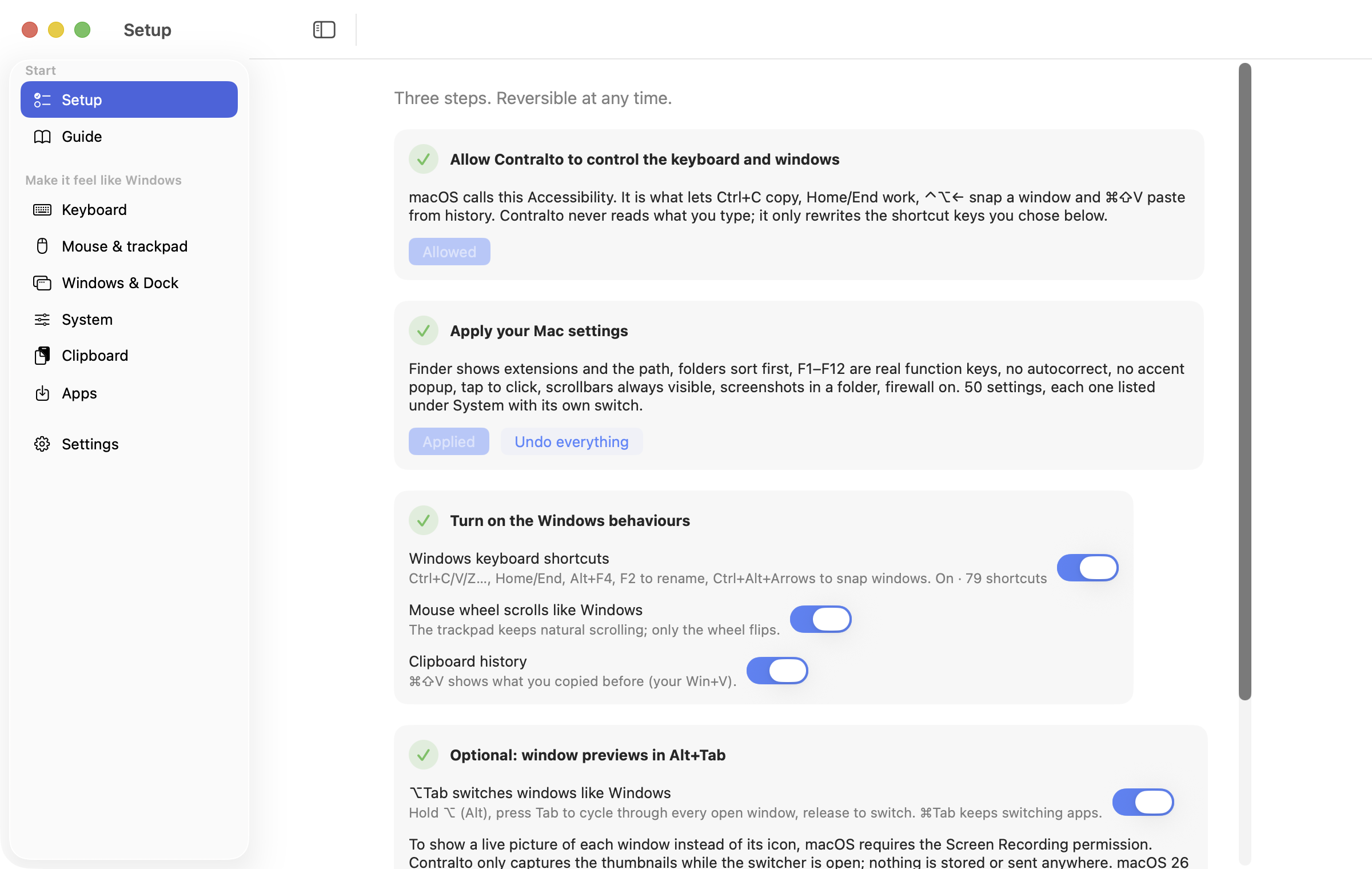
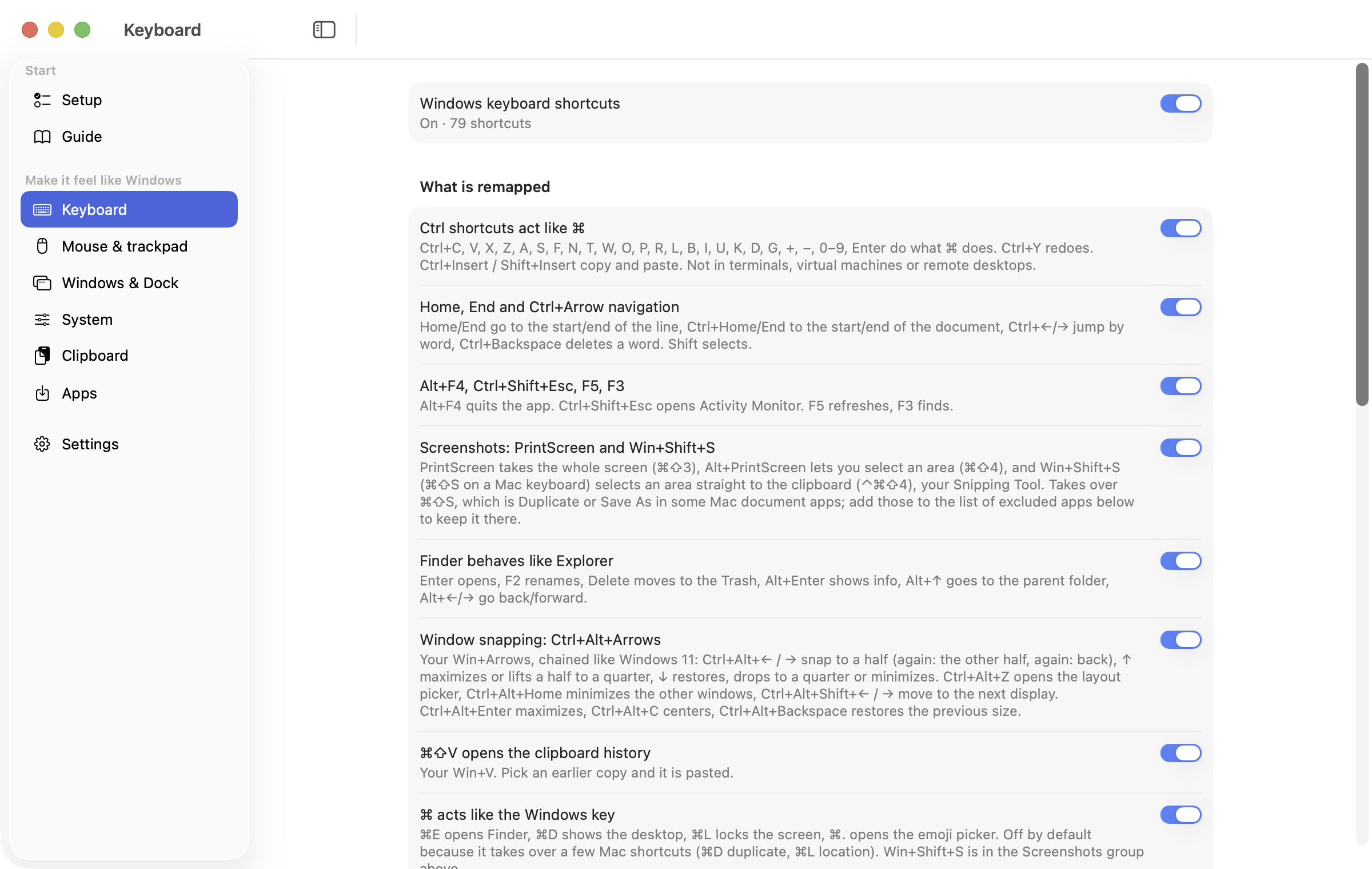
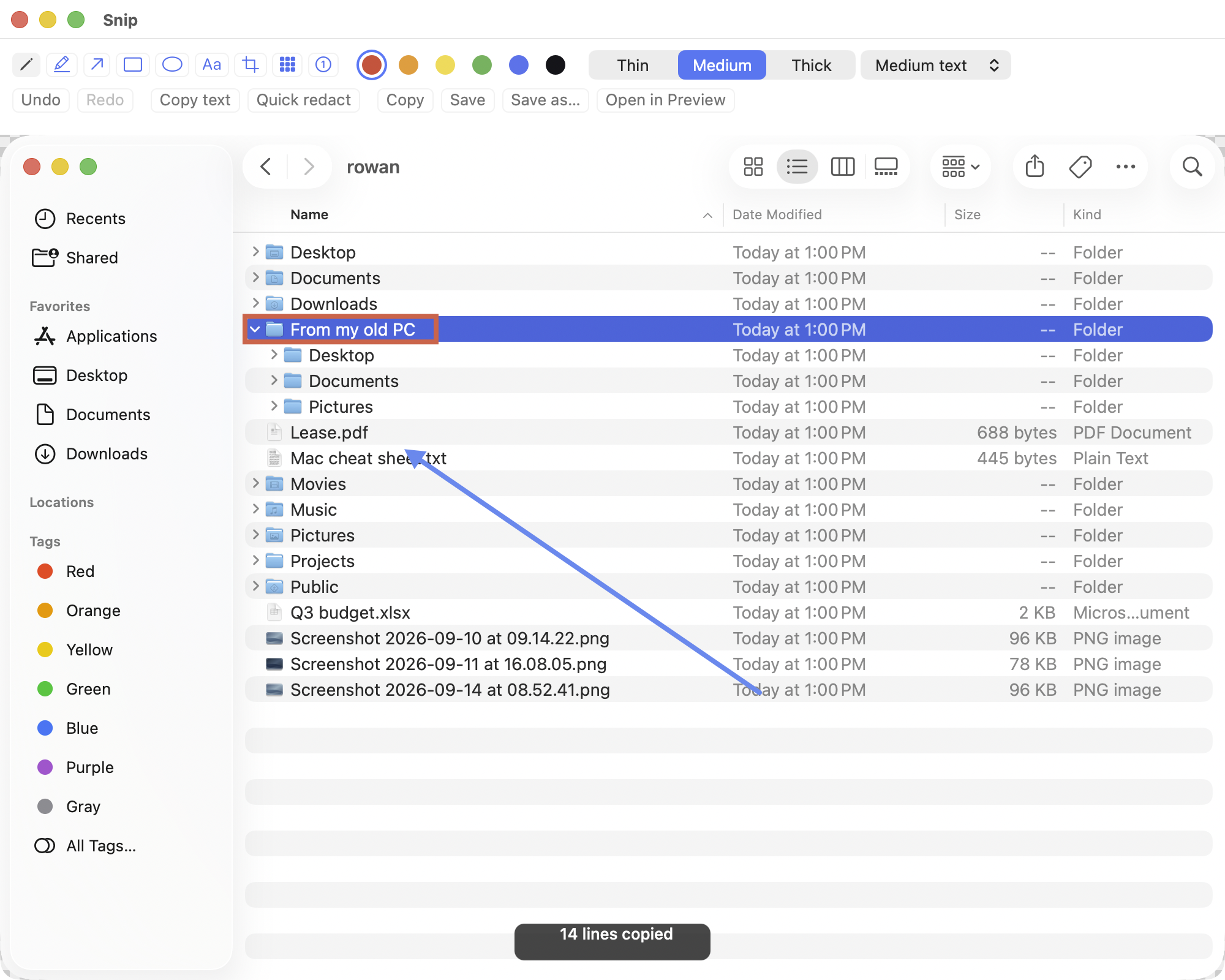
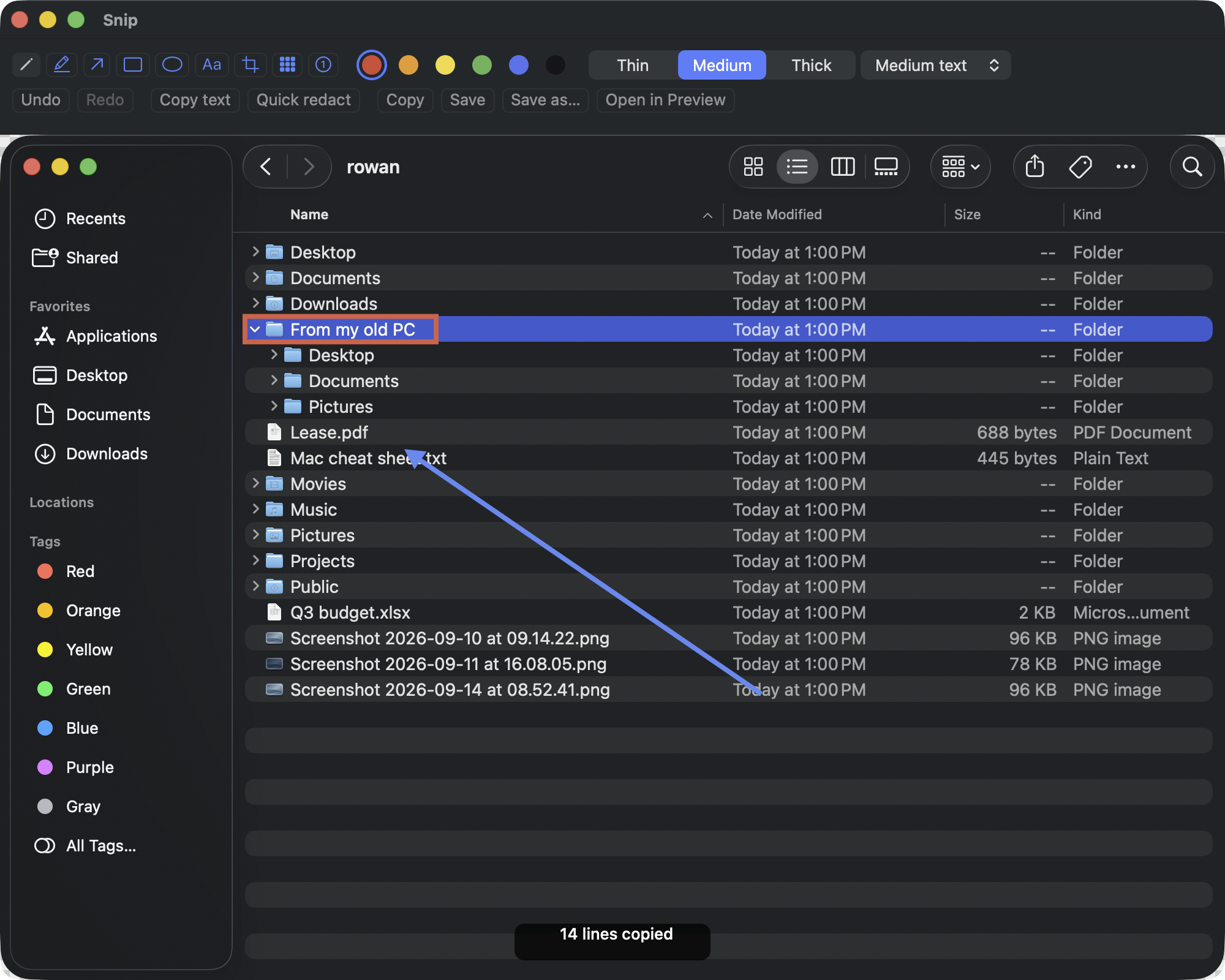
Contralto is the first-day setup kit for a Windows user on a Mac. One app, one permission: 81 Windows shortcuts on top of macOS, an Alt+Tab window switcher with live previews, Windows 11 snapping, clipboard history, Snips (Win+Shift+S straight to the clipboard, a corner bubble and an editor with Copy text, all on the Mac), a mouse wheel that scrolls the Windows way, 49 system settings, with 47 recommended changes applied together and restored exactly from a journal, a verified installer for 26 well-known apps, and a guide that translates Windows habits. No analytics; the network is used for the licence check, the update check and the downloads you ask for. It runs on macOS 14 Sonoma and later, Apple silicon and Intel, and costs USD 19 once for 3 seats, one per user account on a Mac, after a 14-day trial.
The name
Contralto is the deepest voice. Say it kun-TRAL-toh. The letters c, t, r, l run through the name in order; a, l, t sit together in the middle, sharing the l. In the wordmark, only o, n, o recede.
Wordmark SVG, for light backgrounds · for dark backgrounds
Wordmark PNG, for light backgrounds · for dark backgrounds
Facts
| Name | Contralto |
|---|---|
| Version | 1.0.0 |
| Requires | macOS 14 Sonoma or later, Apple silicon or Intel |
| Price | USD 19 Personal (3 seats), 29 Family (5 seats), 49 Team 10 (10 seats), 99 Team 25 (25 seats), a seat being one user account on a Mac; 14-day trial, 14-day refund |
| Permissions | Accessibility; Screen Recording optional (Alt+Tab previews) |
| Data | No analytics or account. The network is used for the licence check (Polar, the merchant of record), updates (this site) and the app downloads you ask for (the makers' servers); the privacy policy lists what each carries. Screenshots and the text read out of them stay on the Mac. |
| Distribution | Direct download; the first signed and notarized release is being prepared; not on the Mac App Store because it rewrites shortcuts and writes other apps' settings |
| Contact | support@contralto.app |
Icon
The icon may be used unaltered next to coverage of the app.
 SVG
SVG PNG 1024
 PNG 512
 PNG 192



Screenshots
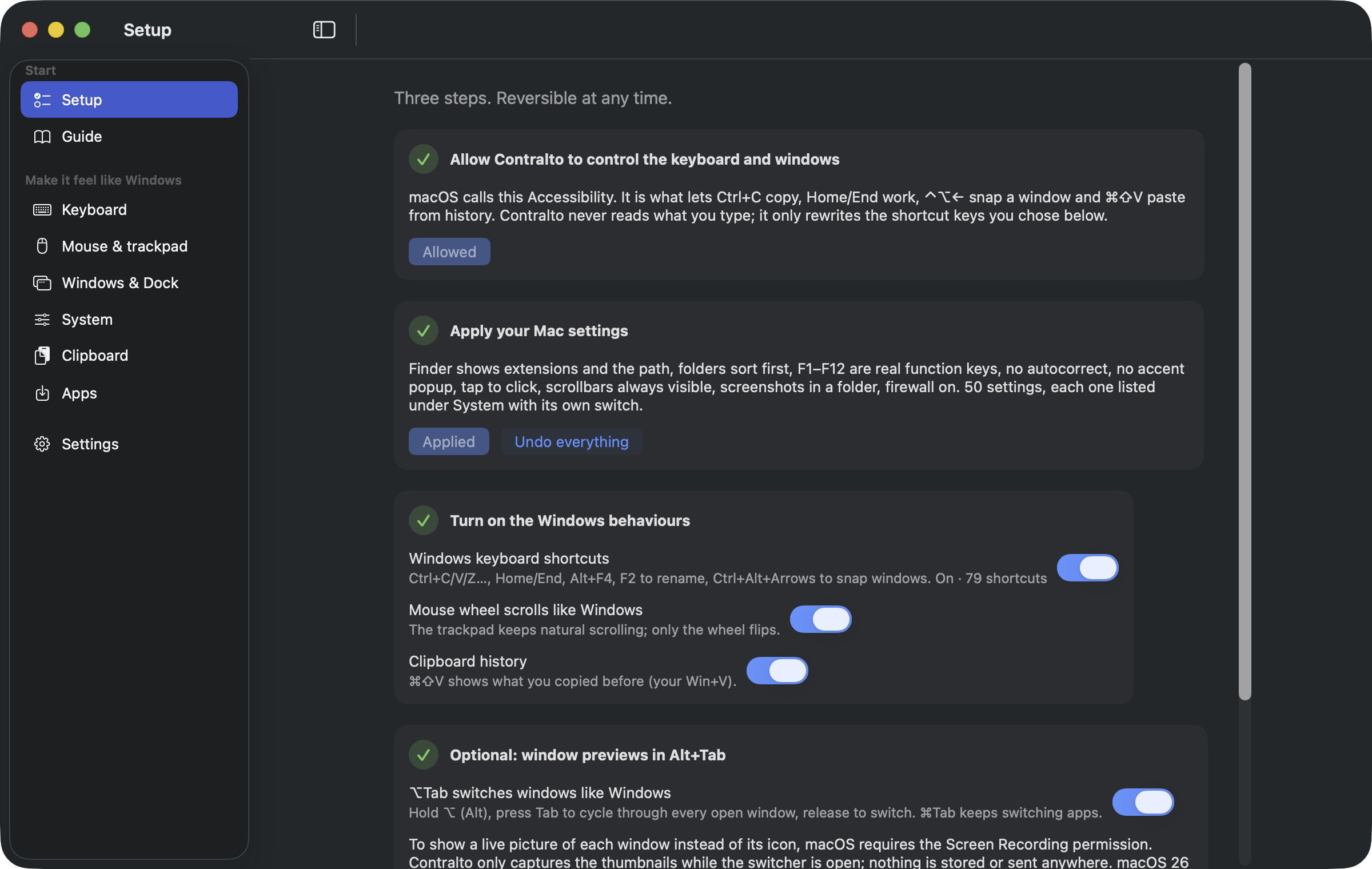
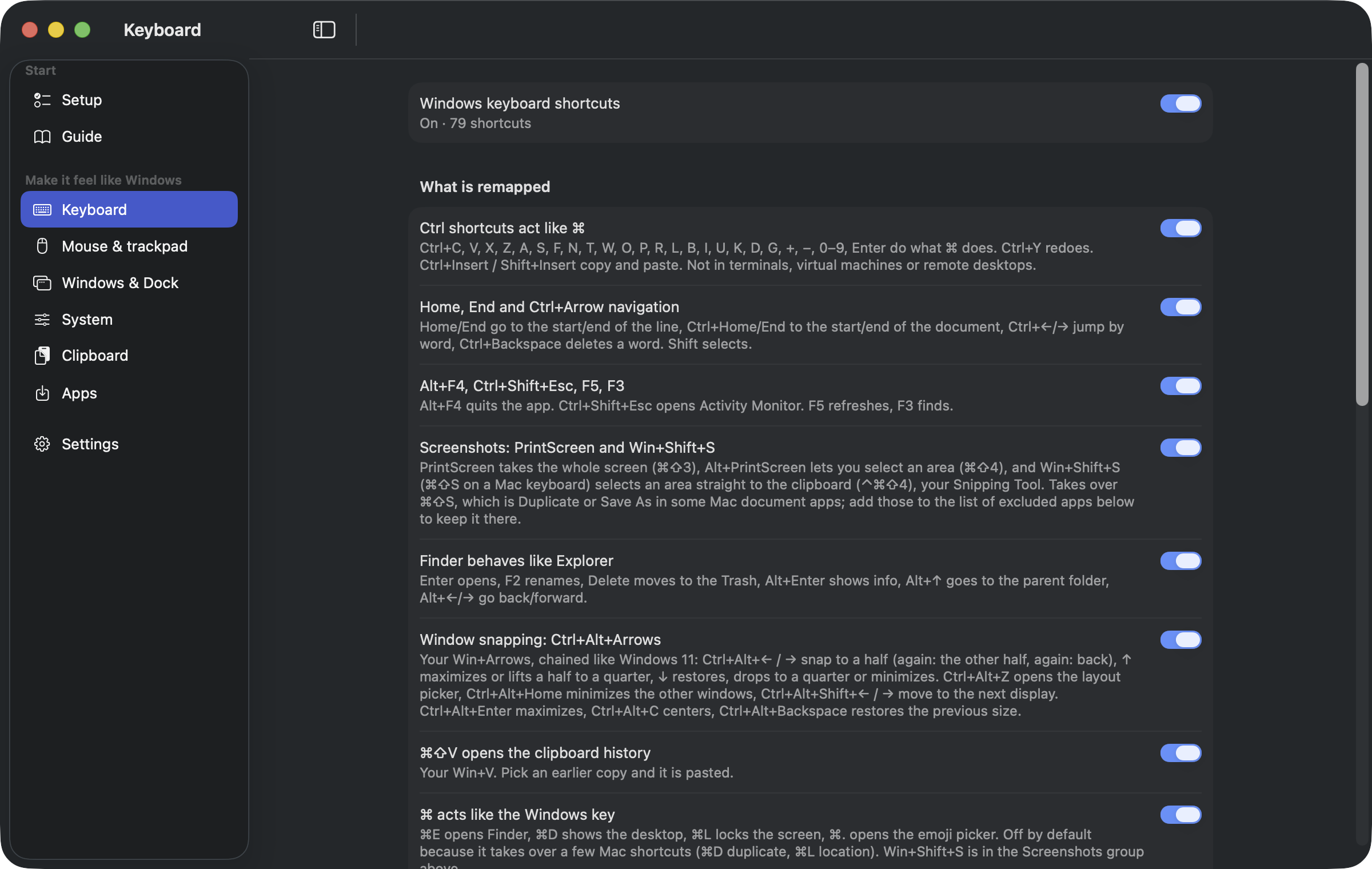
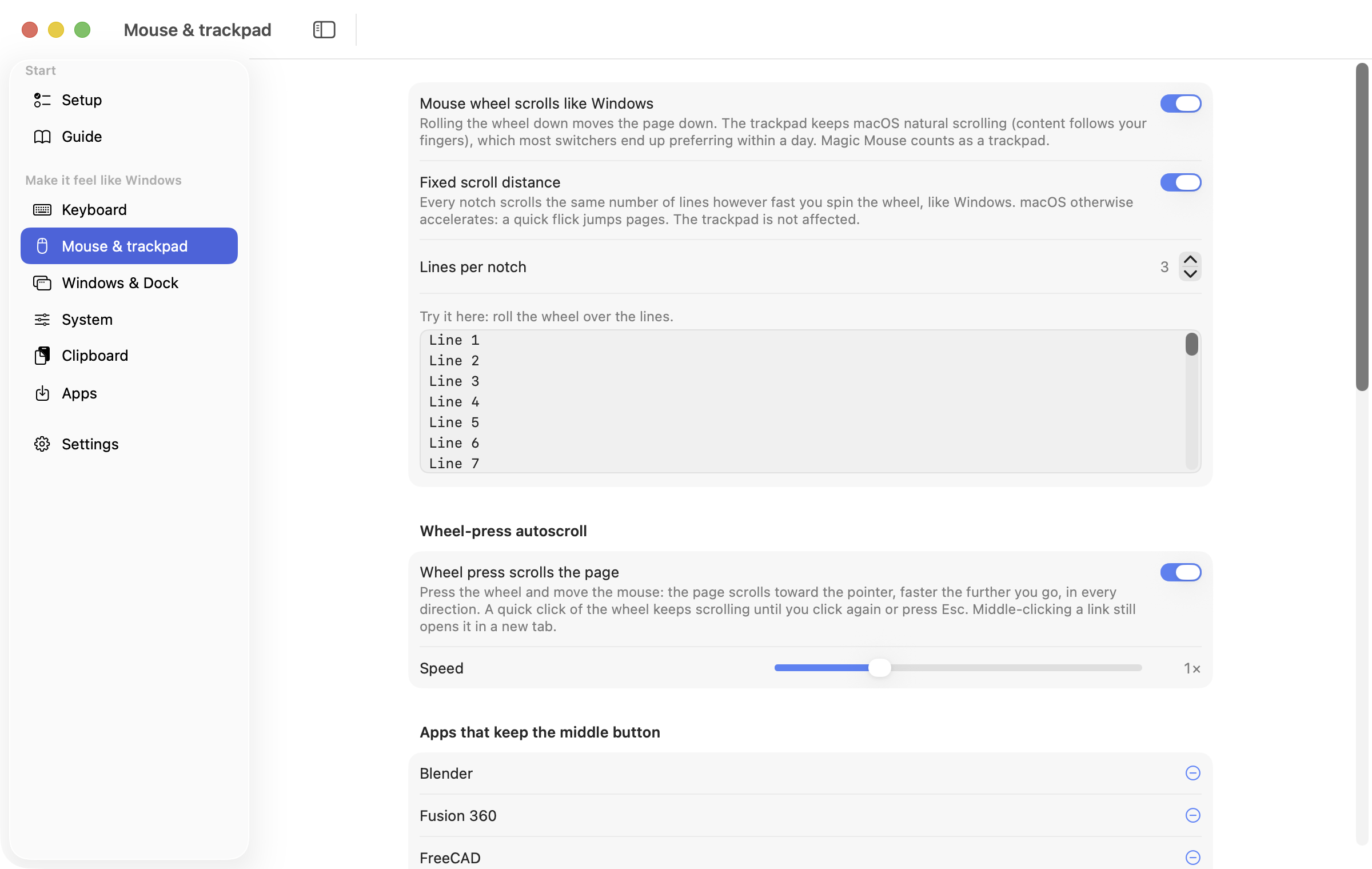
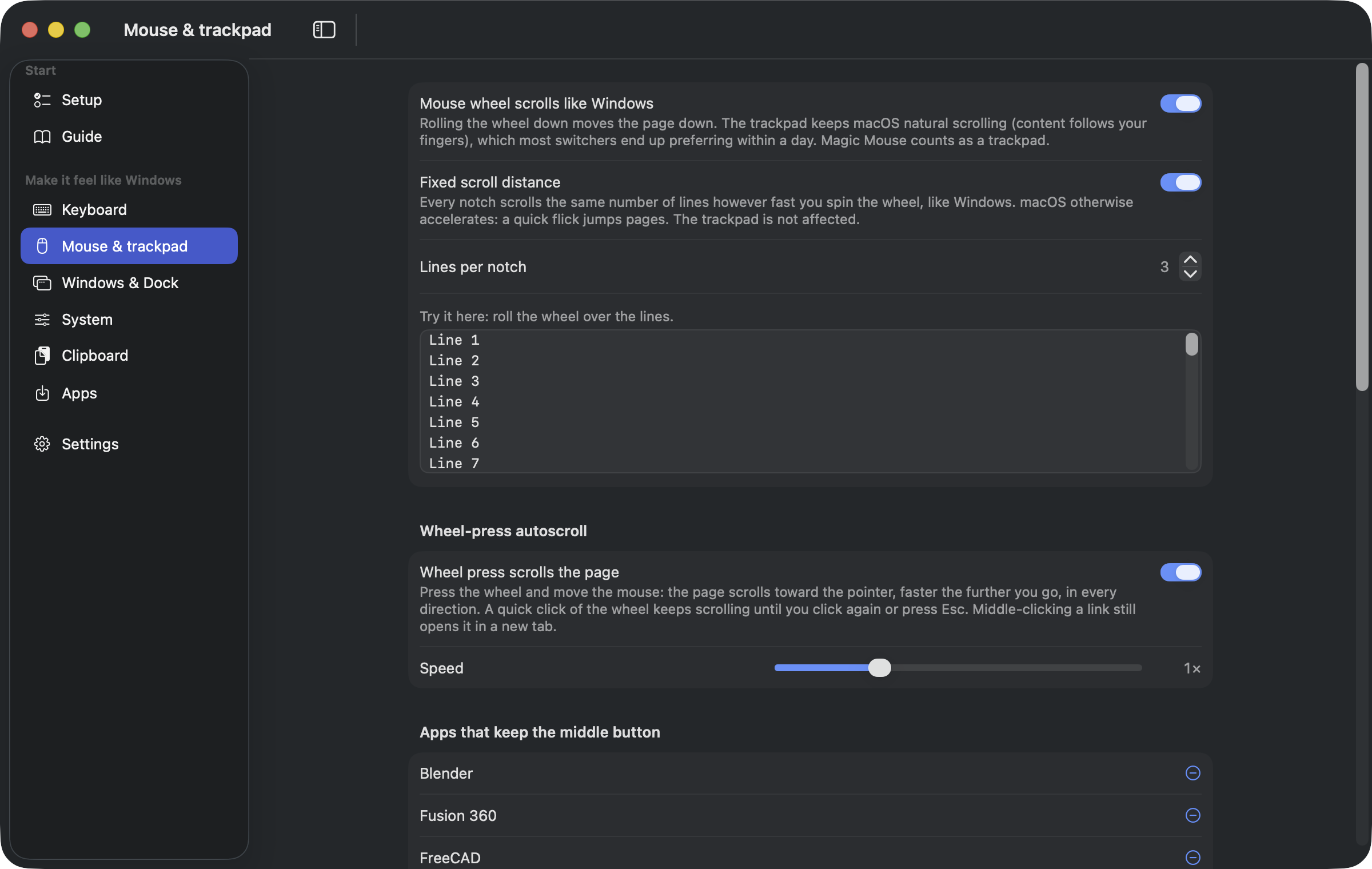
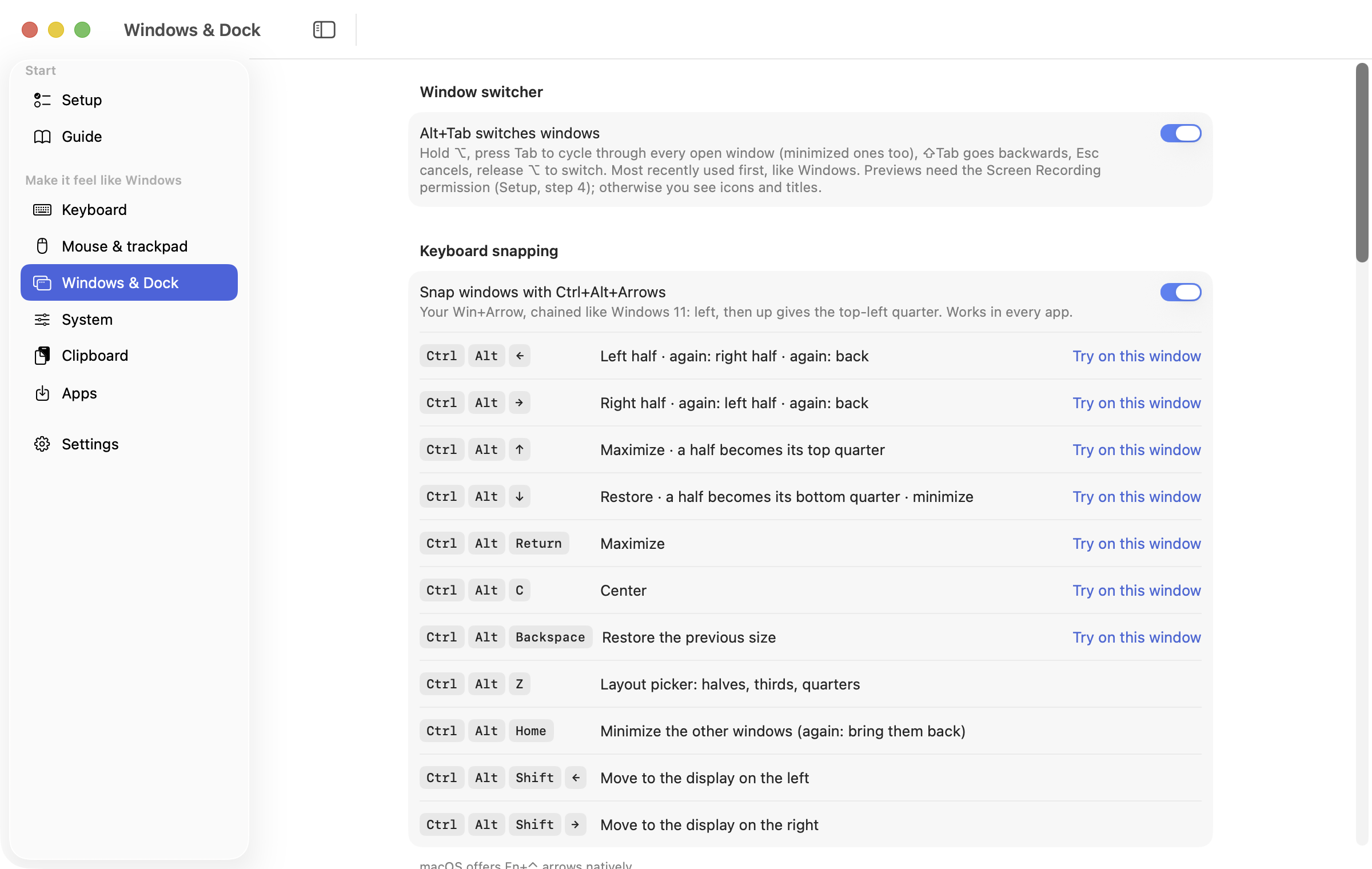
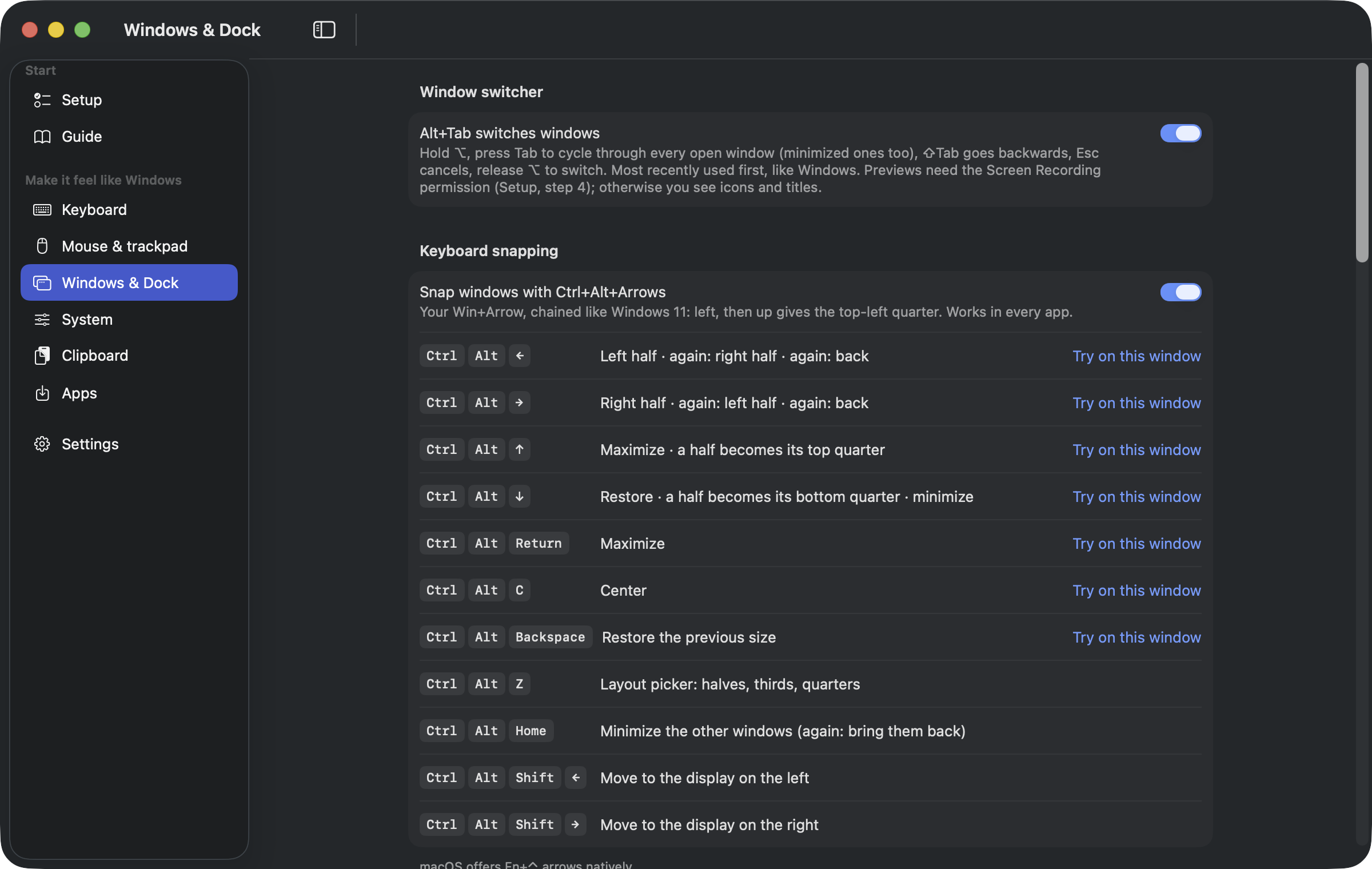
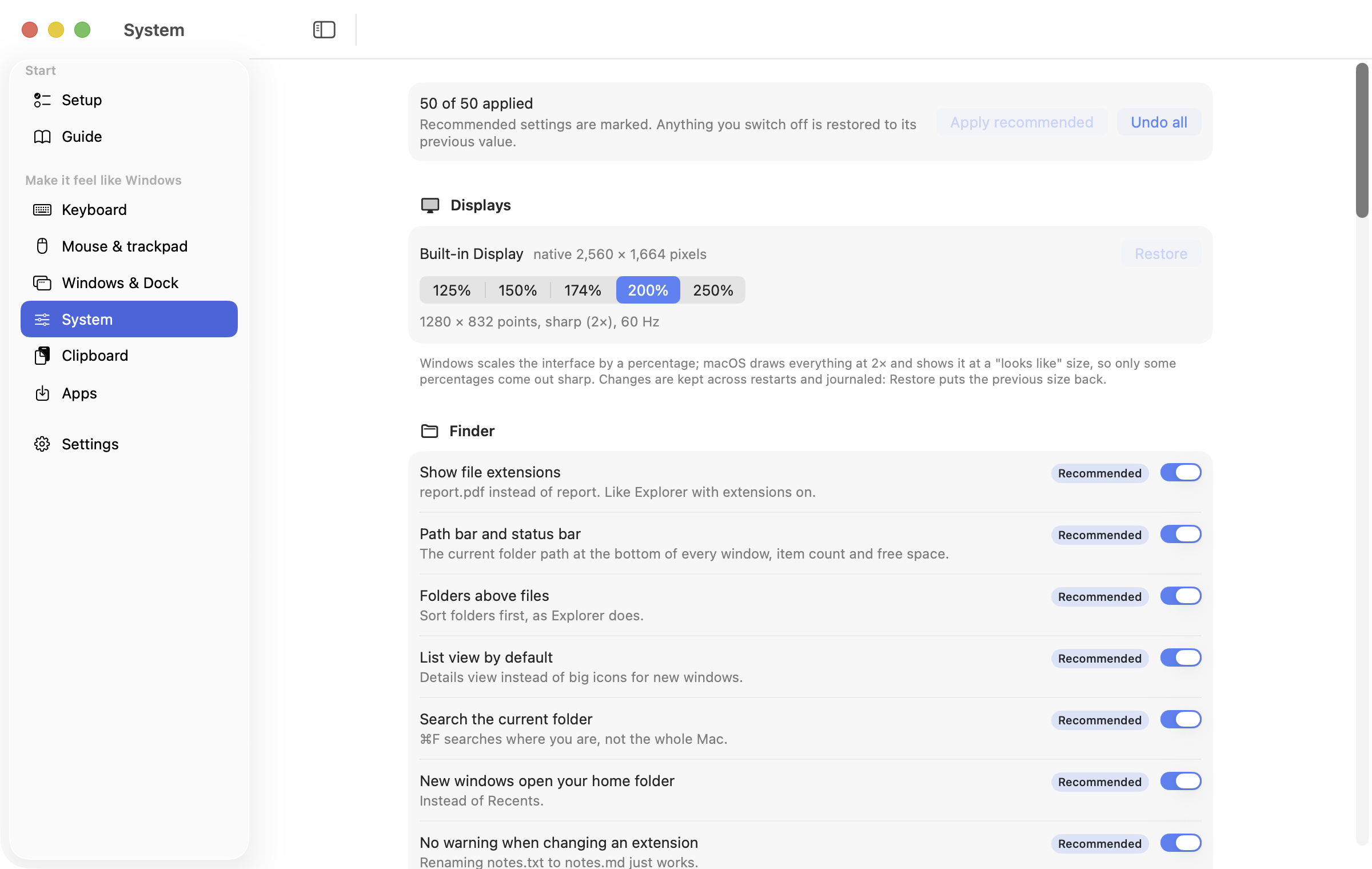
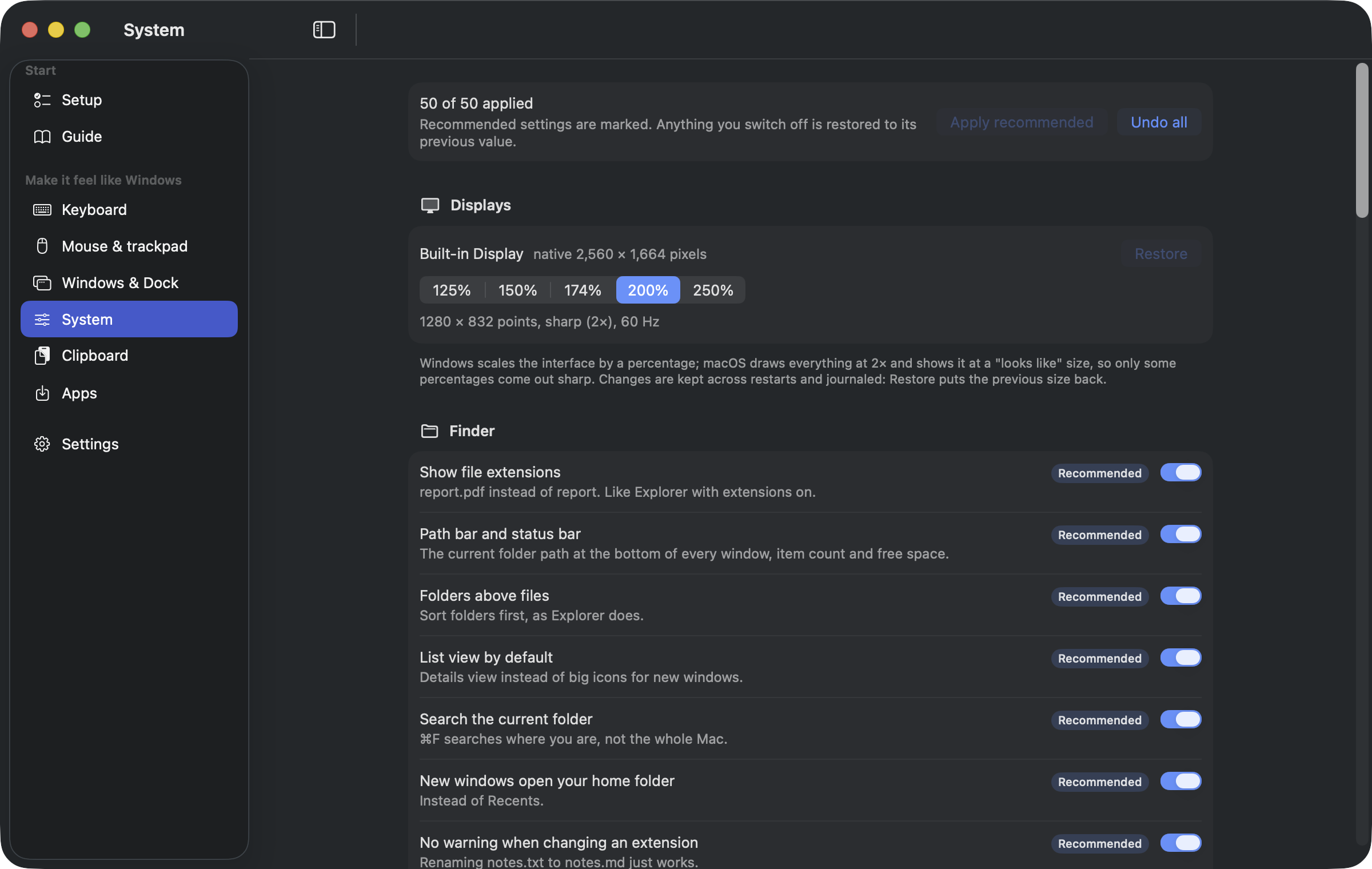
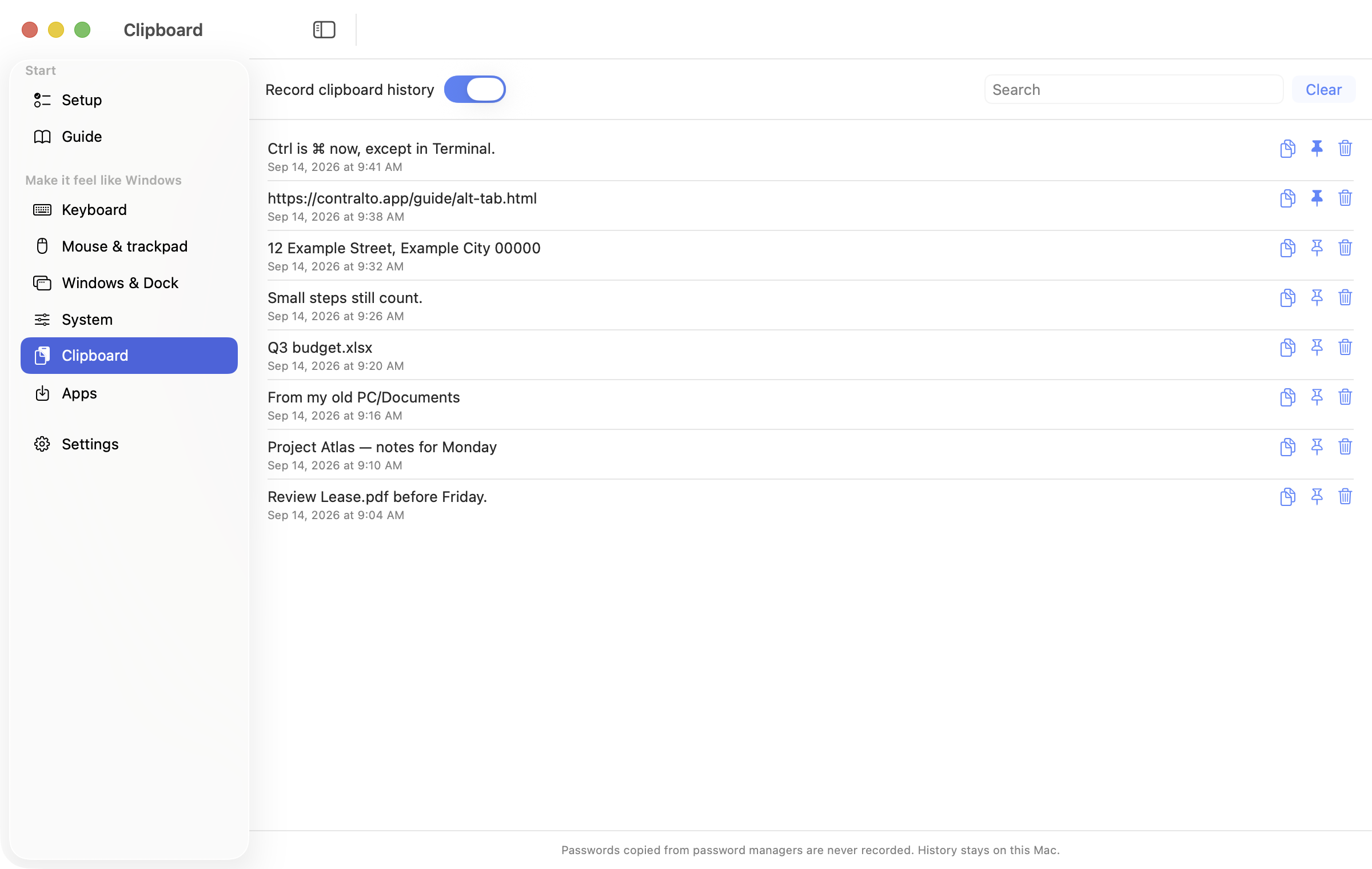
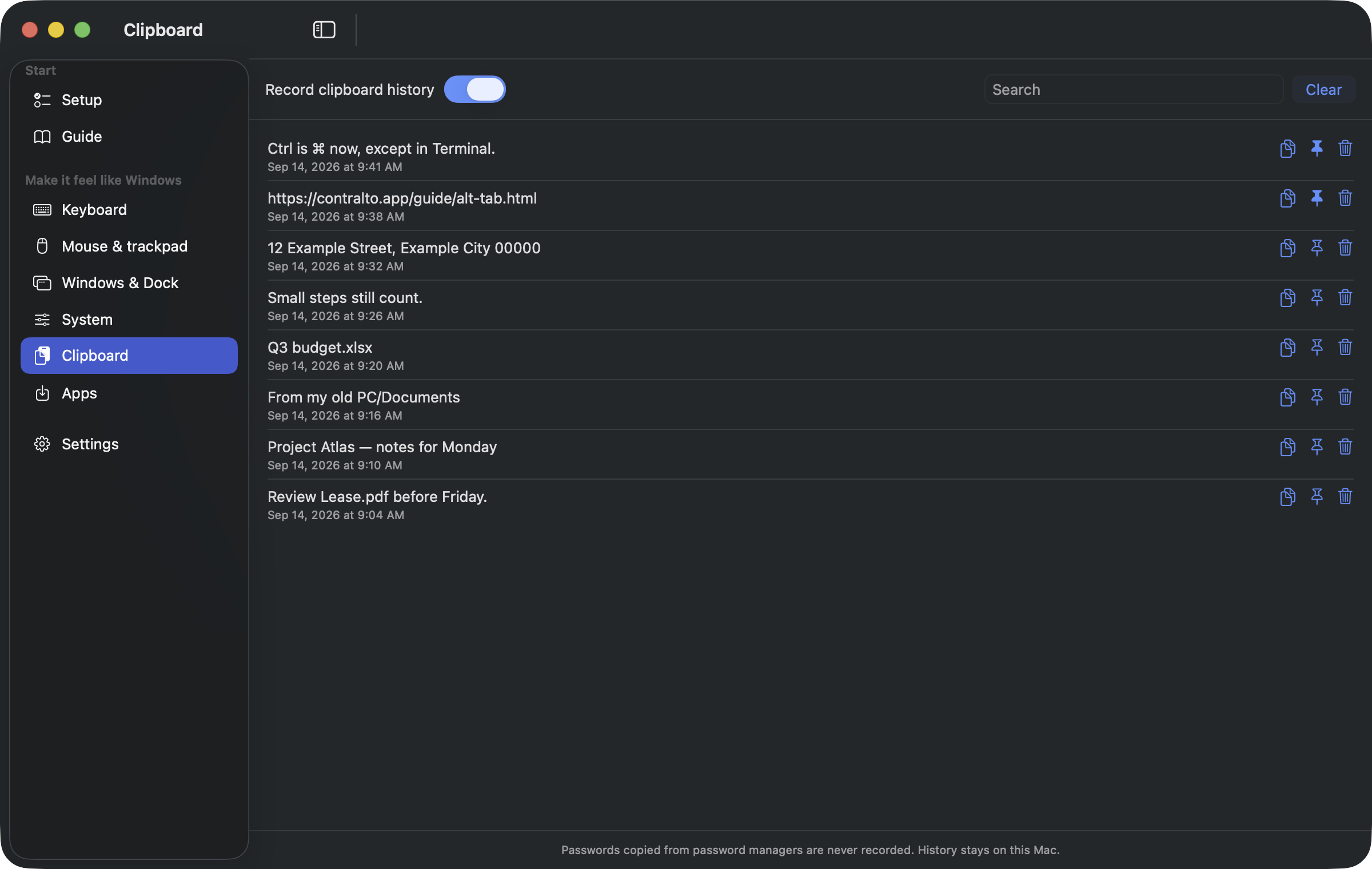
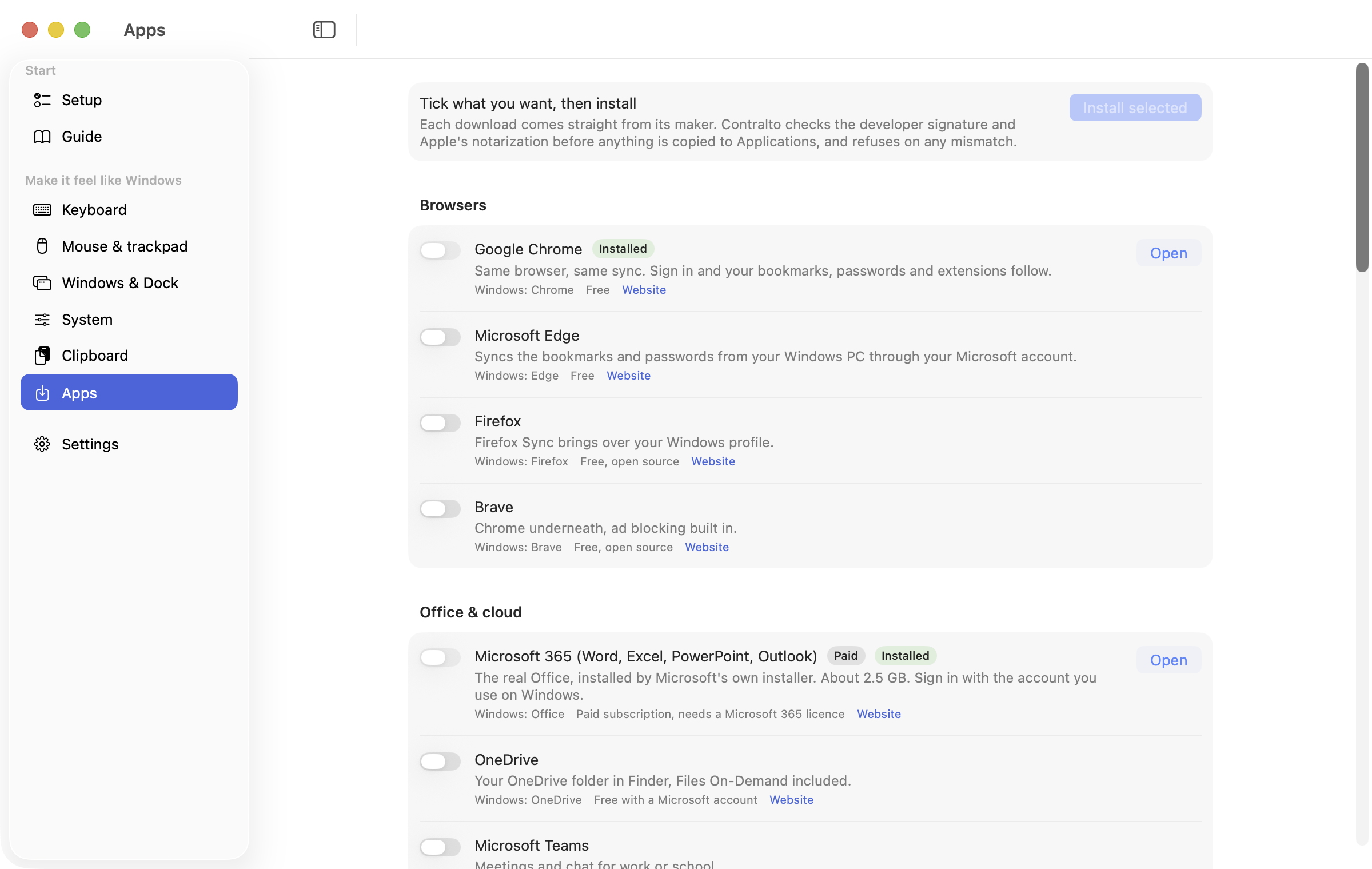
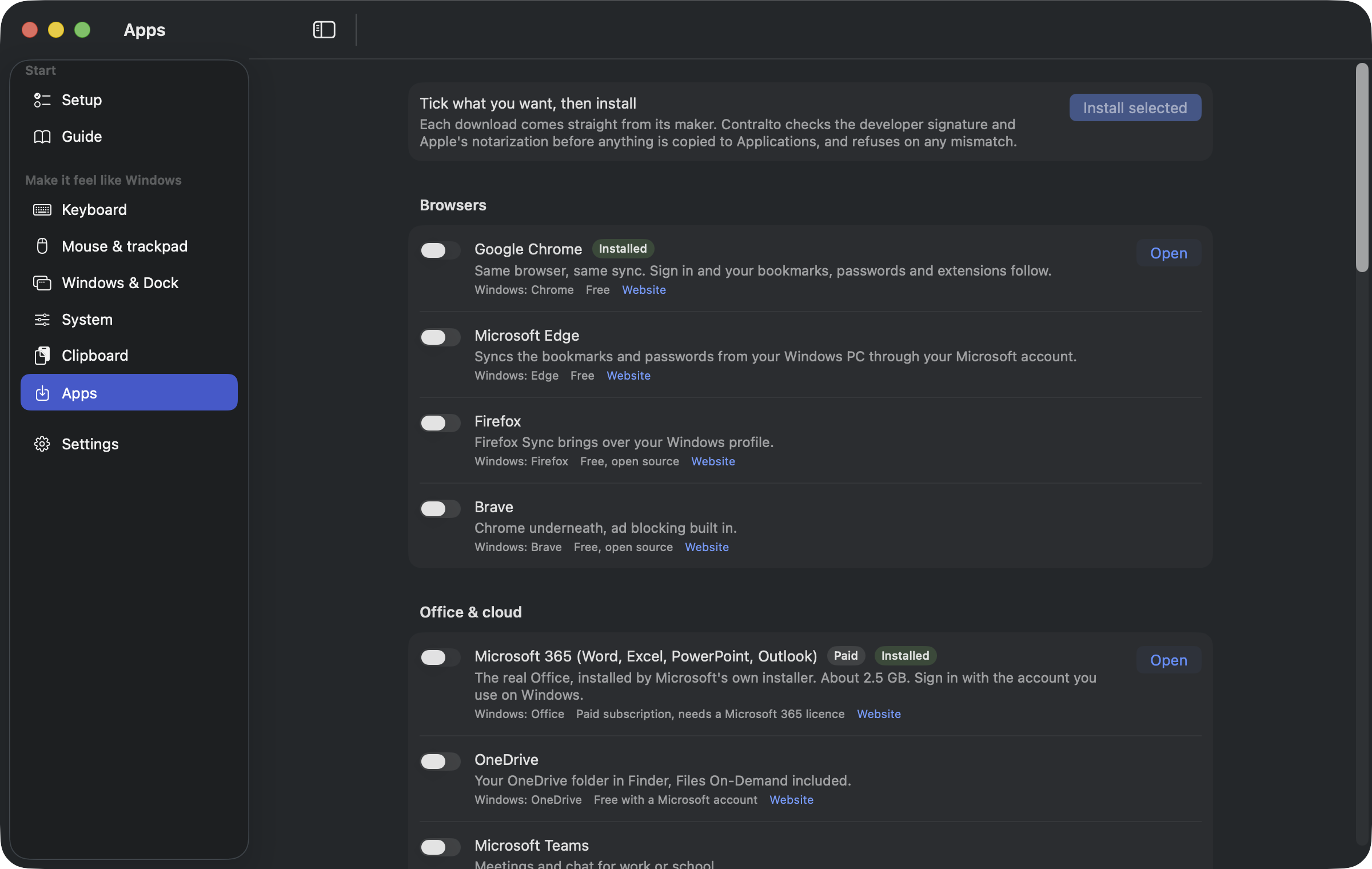
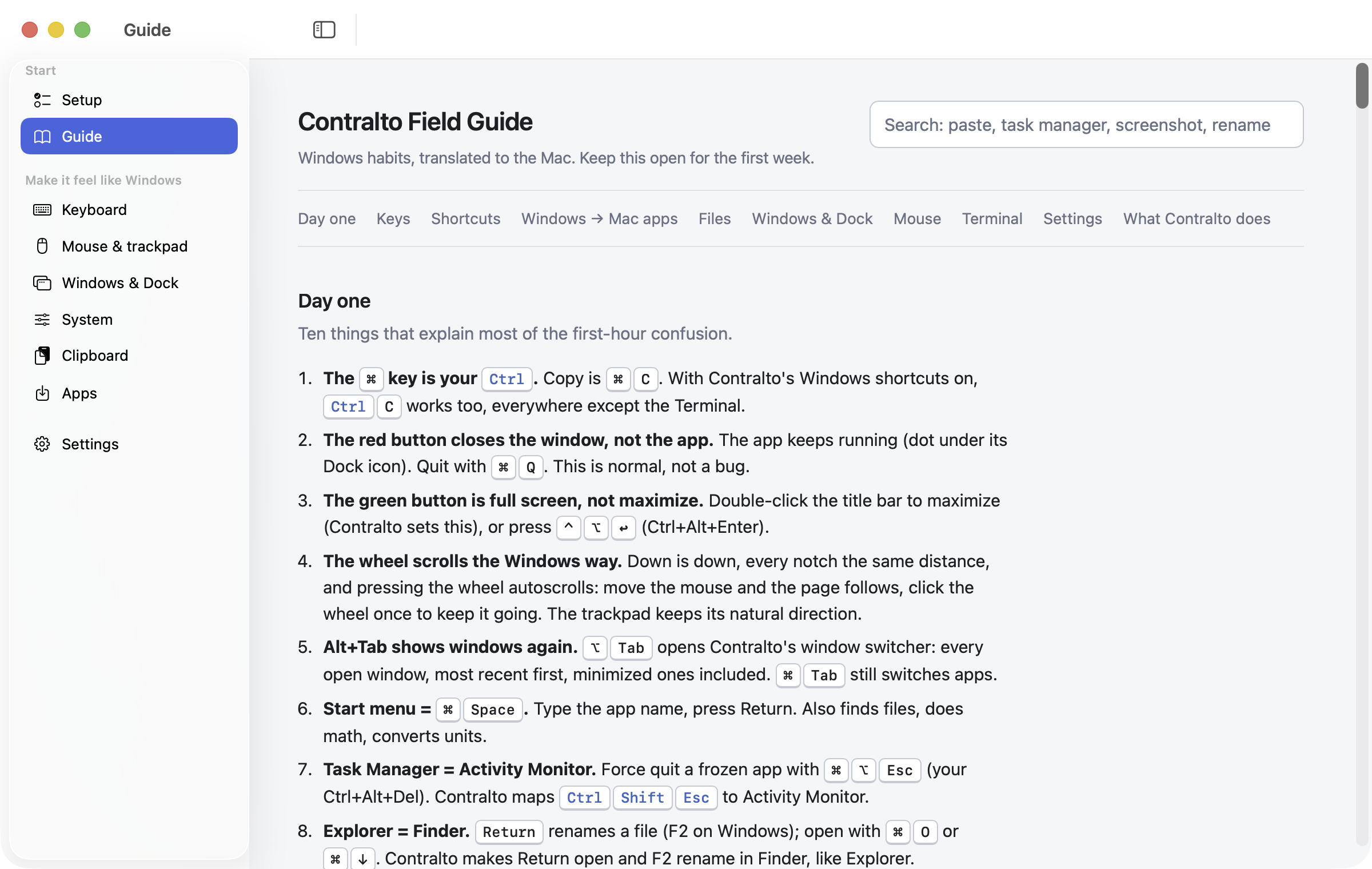
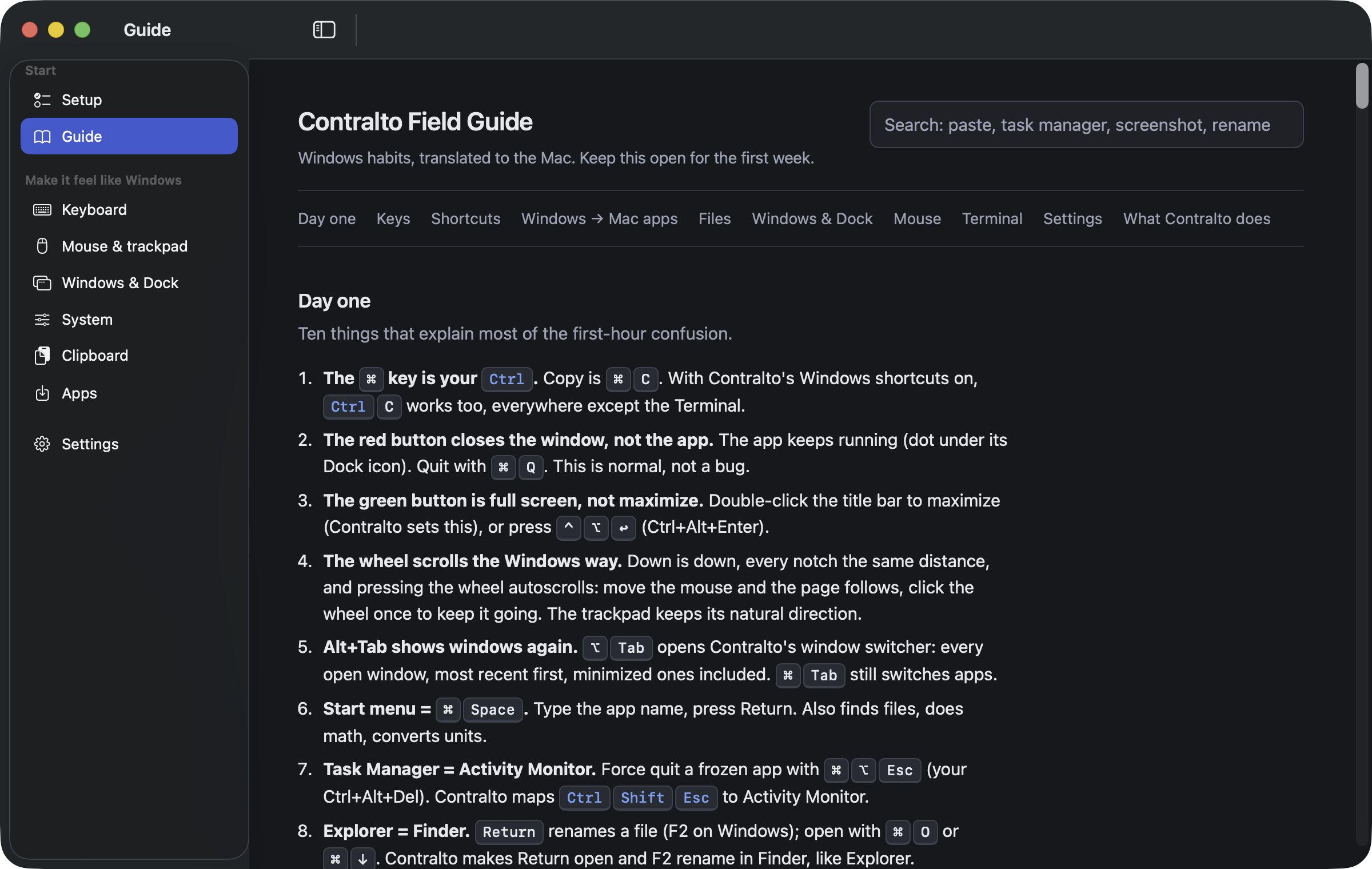
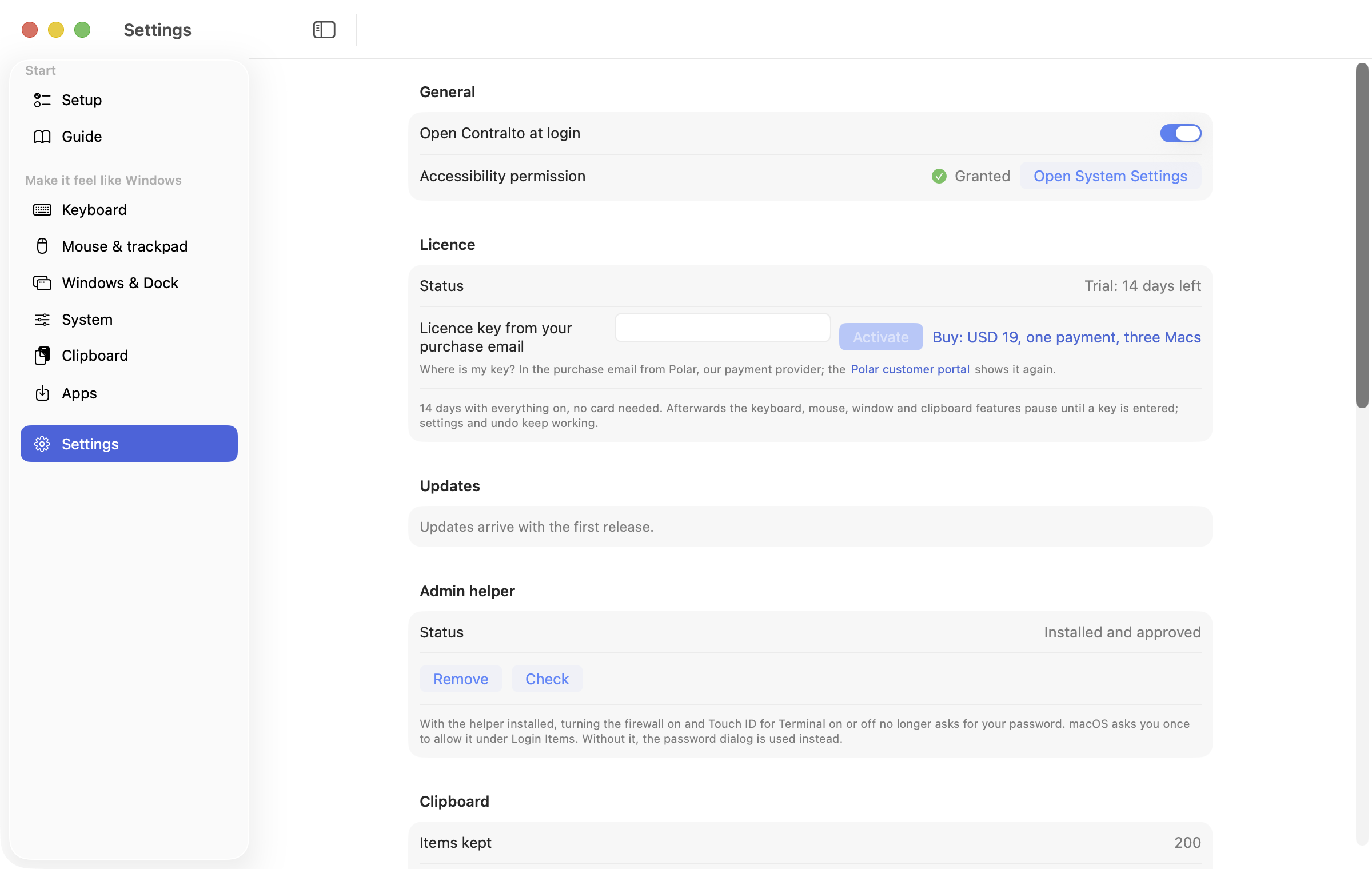
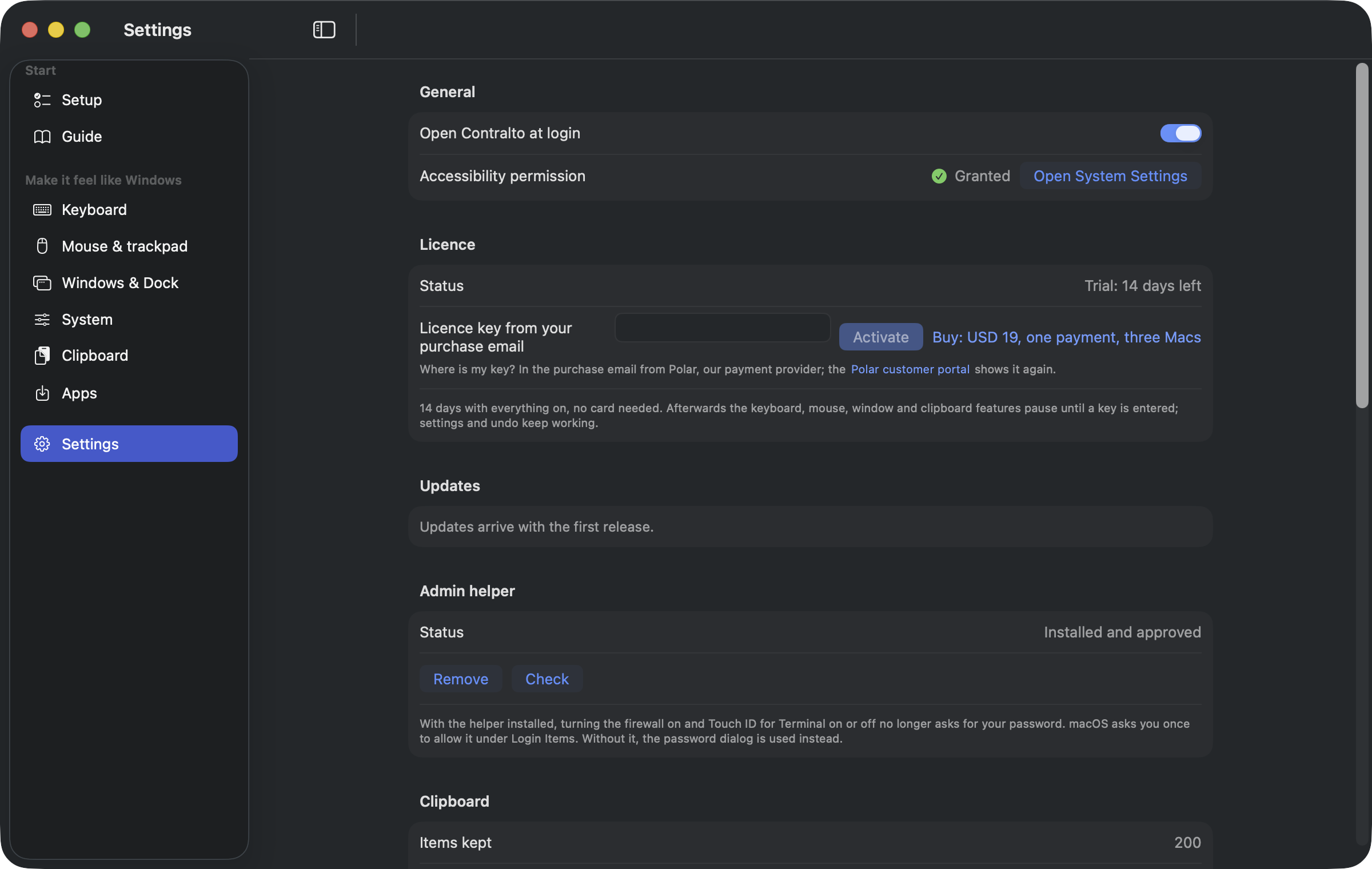
Window captures at 2x (2400 × 1520), light and dark. Click one for the full-size PNG.